Better than your TV company's app.
Bring the playlist or Xtream login you already have. YourView shows your channels in a guide like the one on your TV, and carries on with your movies and series where you stopped. When you watch on your TV, your iPhone or iPad is the remote.
Now on the App Store for iPhone and iPad, with a 1-month free trial. Apple TV is coming soon.
What makes it better
Your channels in a TV guide
The channels you watch sit in a grid that shows what's on now and next. Tap a program to see what it's about, or tap the channel to watch.
Search for the match you want to watch
Type a team, a show or a word from its description. Search goes through the guide as you type and tells you where and when it's on.
Movies and series carry on where you stopped
Home shows what you were watching and the next episode of your series, and My list keeps what you saved. When the credits start, the player offers the next episode.
Big playlists import in seconds
That goes for playlists with tens of thousands of channels and movies. Sort the movies by year, narrow them down by category, or search as you type.
It keeps playing when you leave
Switch apps and the channel or the movie carries on in Picture in Picture. Lock your iPhone and your AirPlay TV plays on.
See it work before you pay
Adding your playlist is free, and every channel plays for a minute without a plan, so you know your provider works in YourView first.
Live TV, movies and series
These are the app's own screens, with made-up channels, movies and series. The menu at the top of Home switches between the two.
Live TV
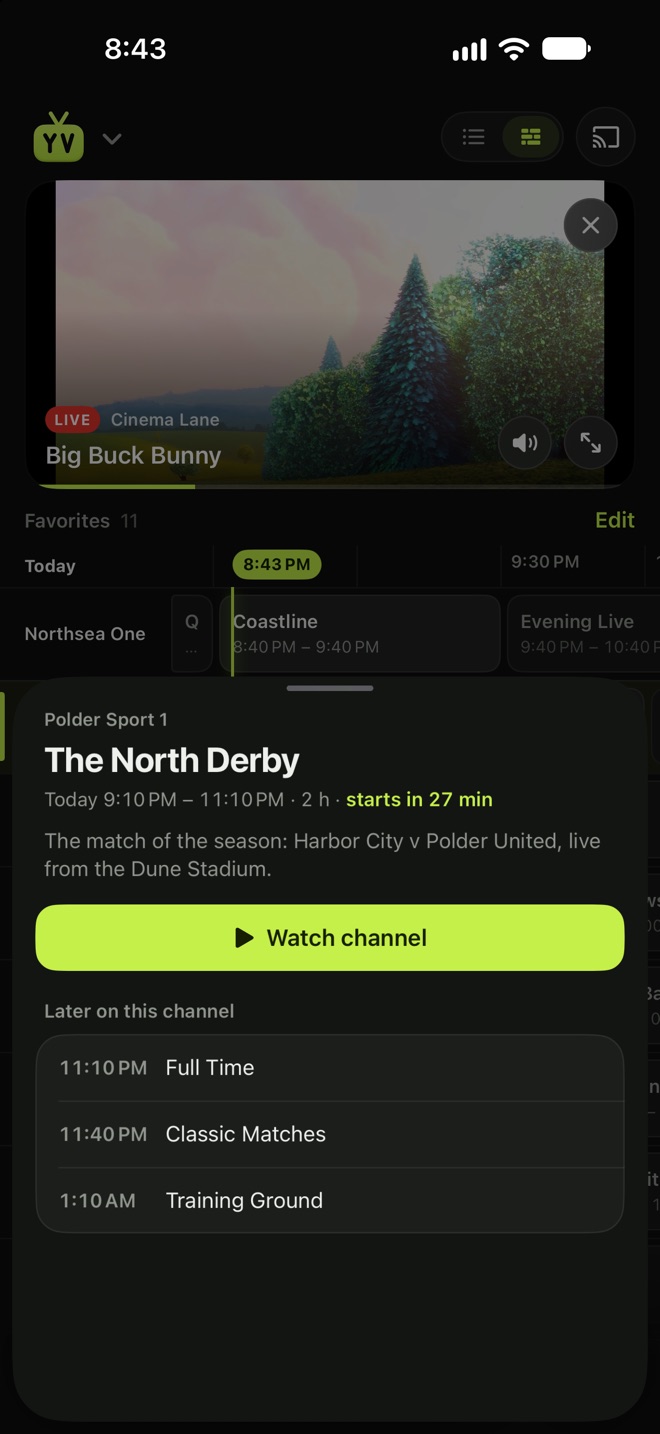
Tap a program to see what it's about 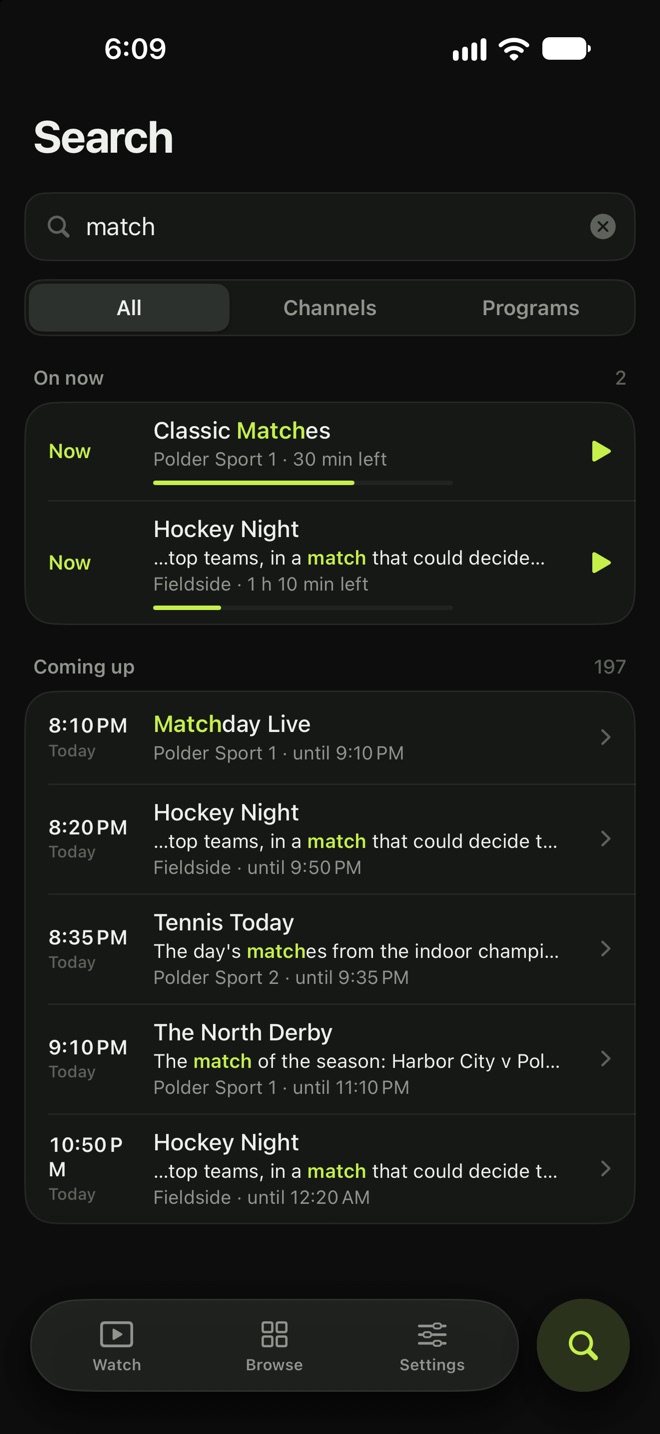
Search the guide for a program 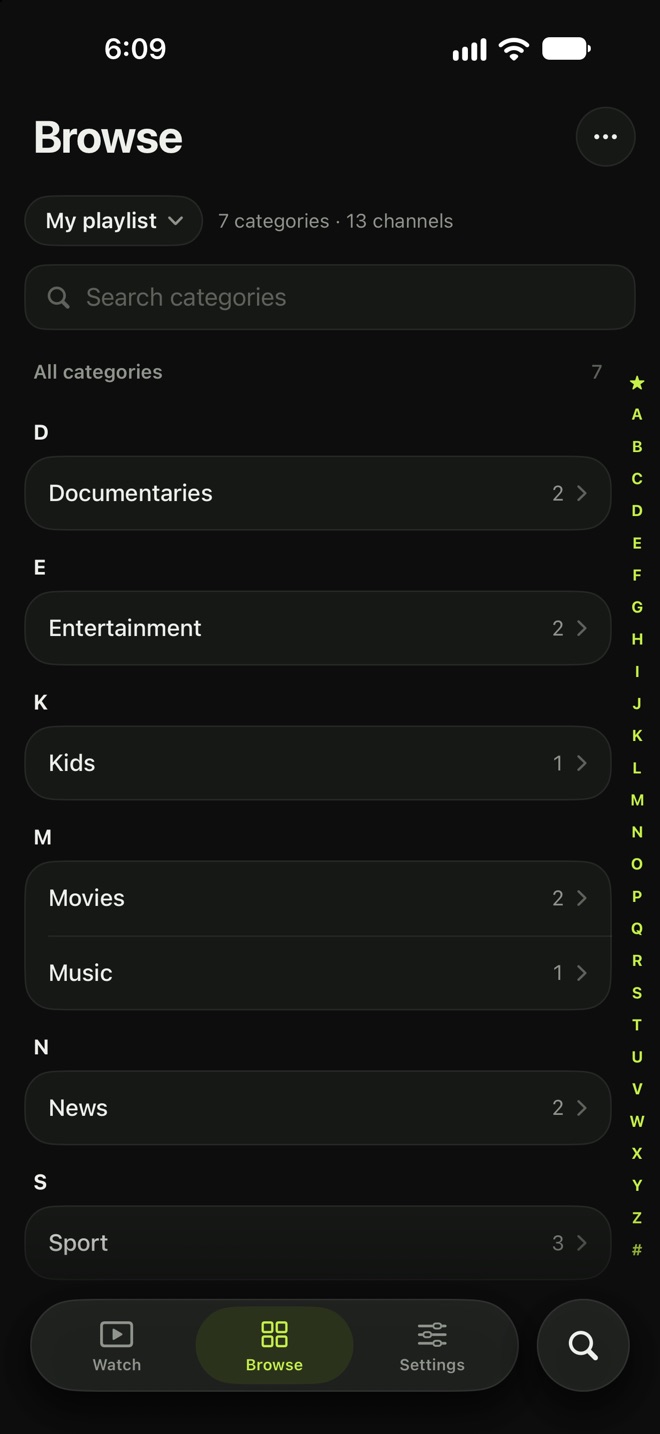
Browse your categories from A to Z
Movies & Series
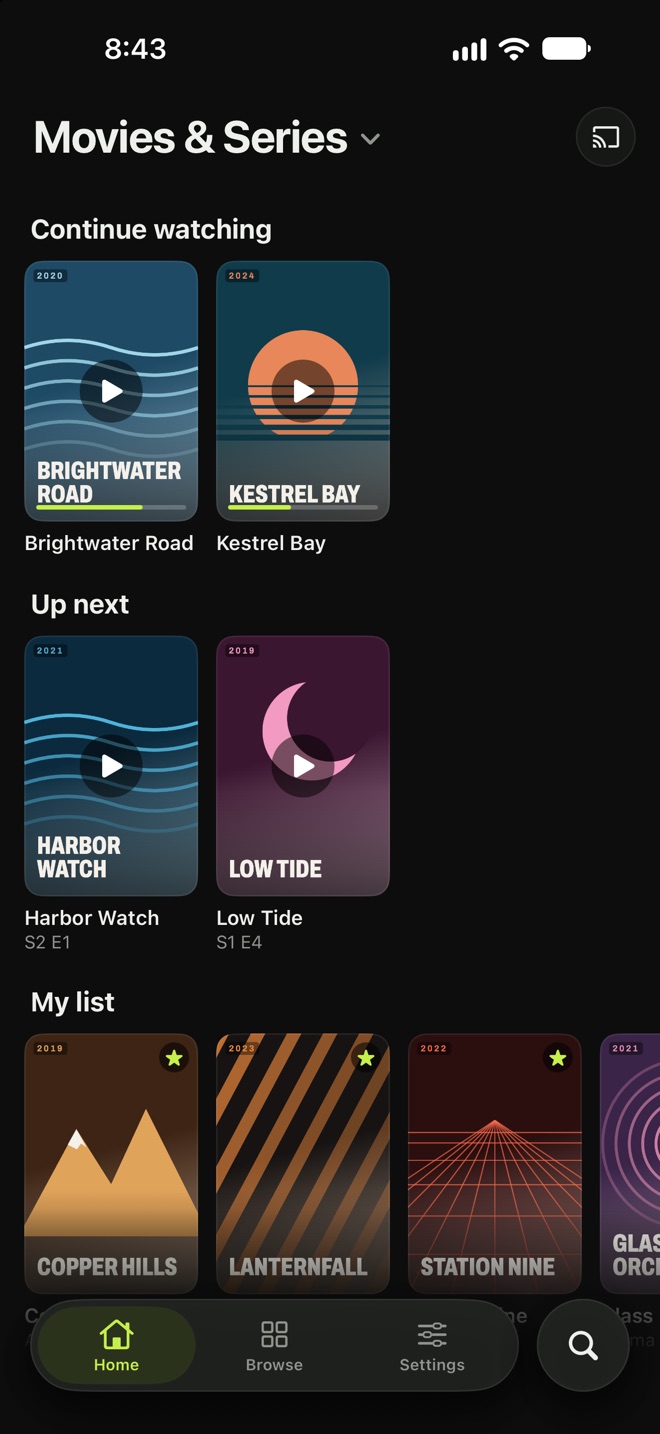
Carry on watching where you stopped 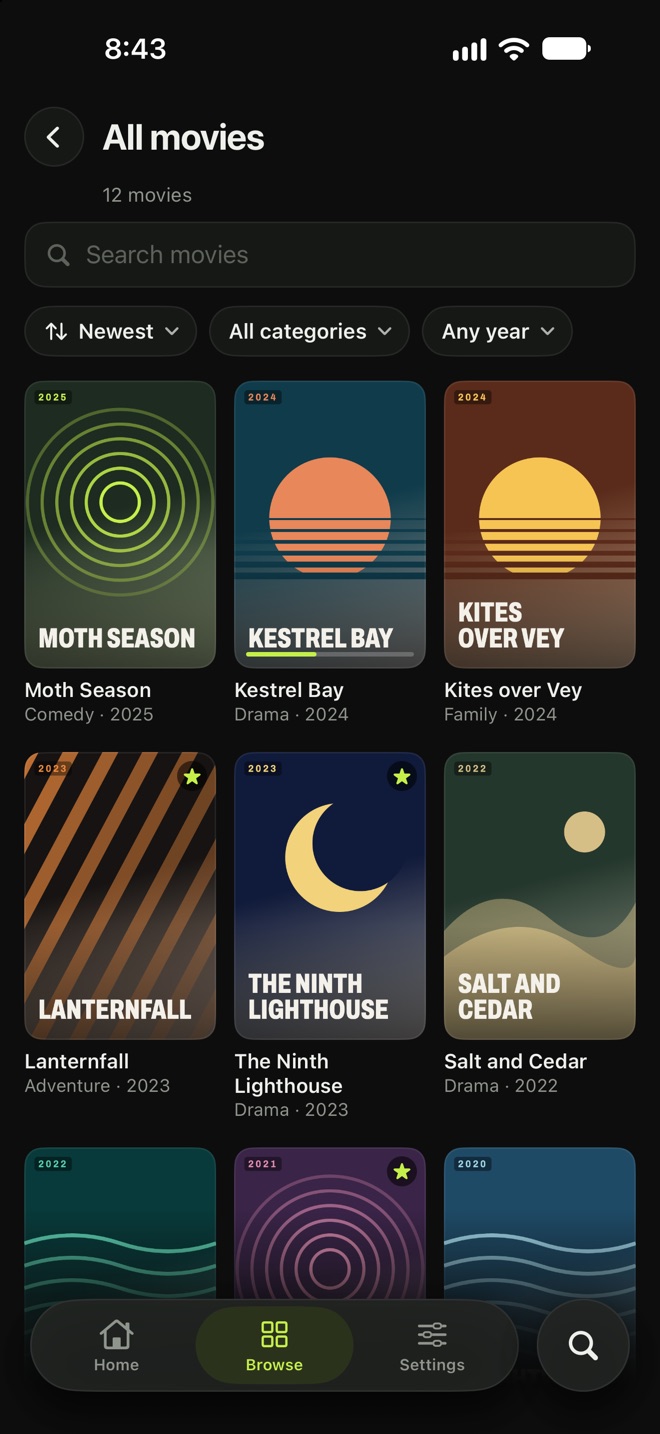
Sort your movies by year or category 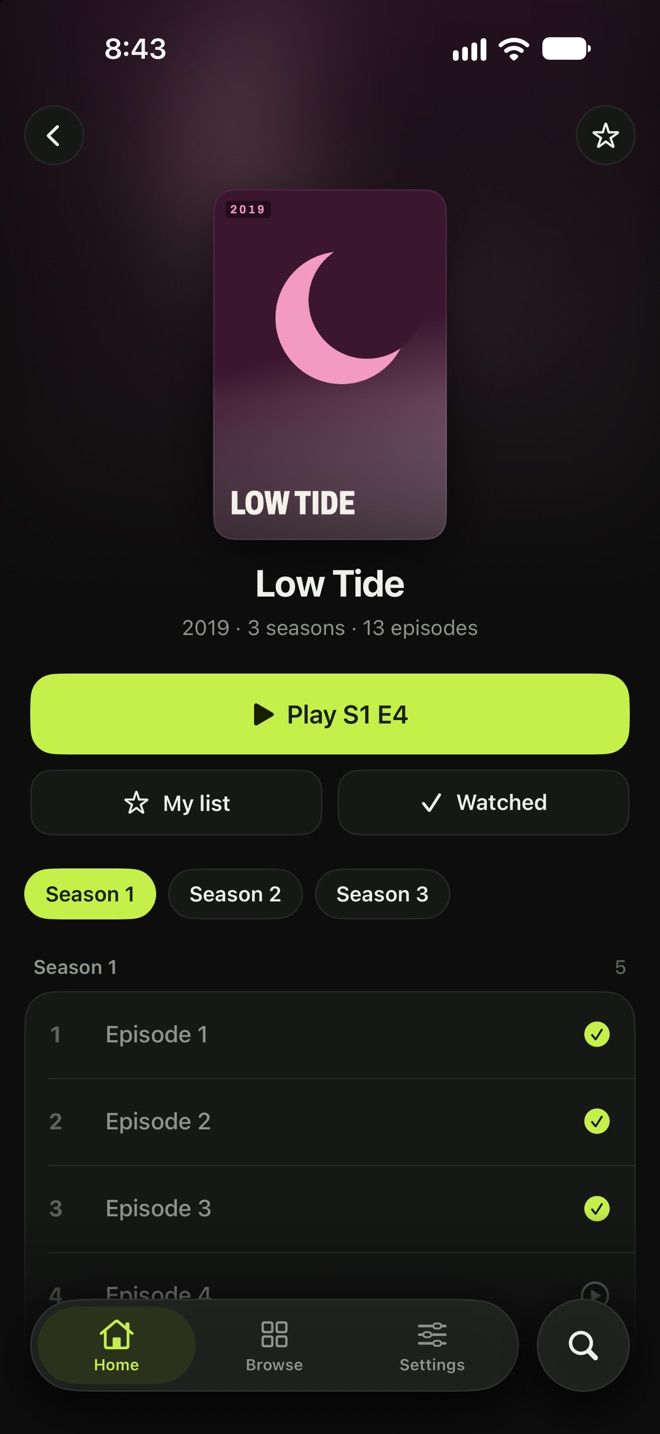
See which episodes you've watched
Also in the app: channel up and down, back to the previous channel, audio and subtitle tracks, fit or fill, and Picture in Picture for channels and movies alike.
Bring your own playlist
YourView comes with no channels. Add what your provider gave you once, and it's on your iPhone, iPad and Apple TV.
- M3U linkRefreshed on the schedule you pick.
- Playlist fileOpened from the Files app.
- Xtream loginServer, username and password, with your provider's guide, movies and series.
We don't sell, recommend or link to channels or providers.
Watch it on your TV
Send a channel or a movie to the big screen, and keep your iPhone or iPad as the remote: change channels, pause, skip back, or start the next episode.
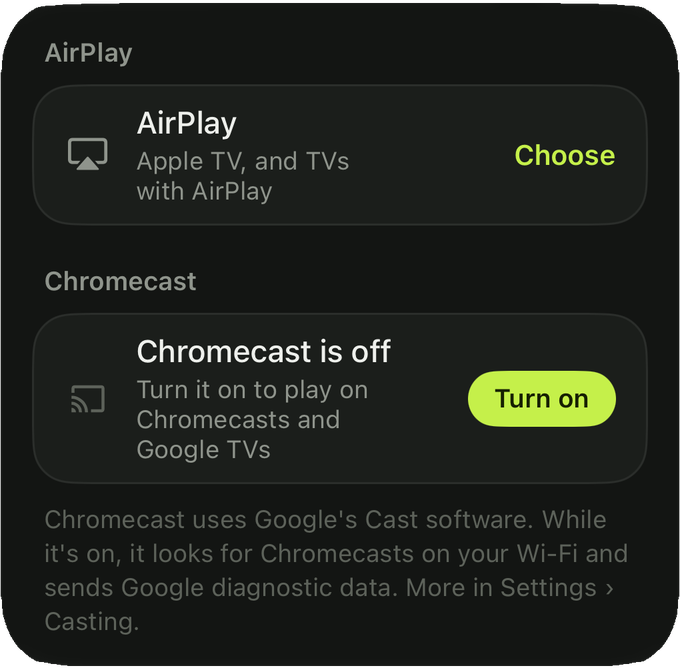
Chromecast plays channels from Xtream logins and HLS (.m3u8) streams, and MP4 movies.
Also on iPad and Apple TV
The iPad shows more of the guide and more movies at once. On Apple TV, the app is made for the Siri Remote. One plan covers your iPhone, iPad and Apple TV.
iPad
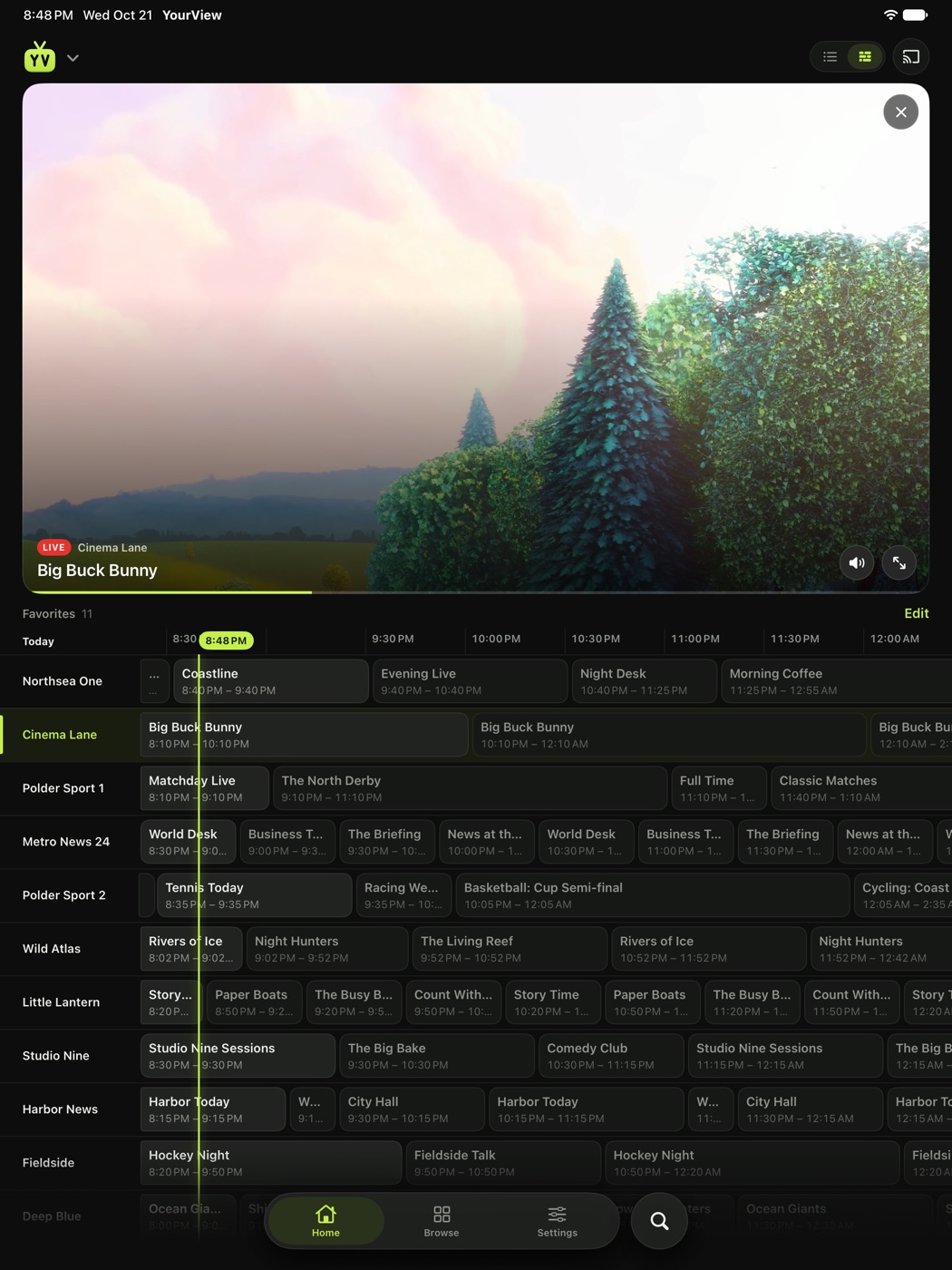
More of the guide at a glance 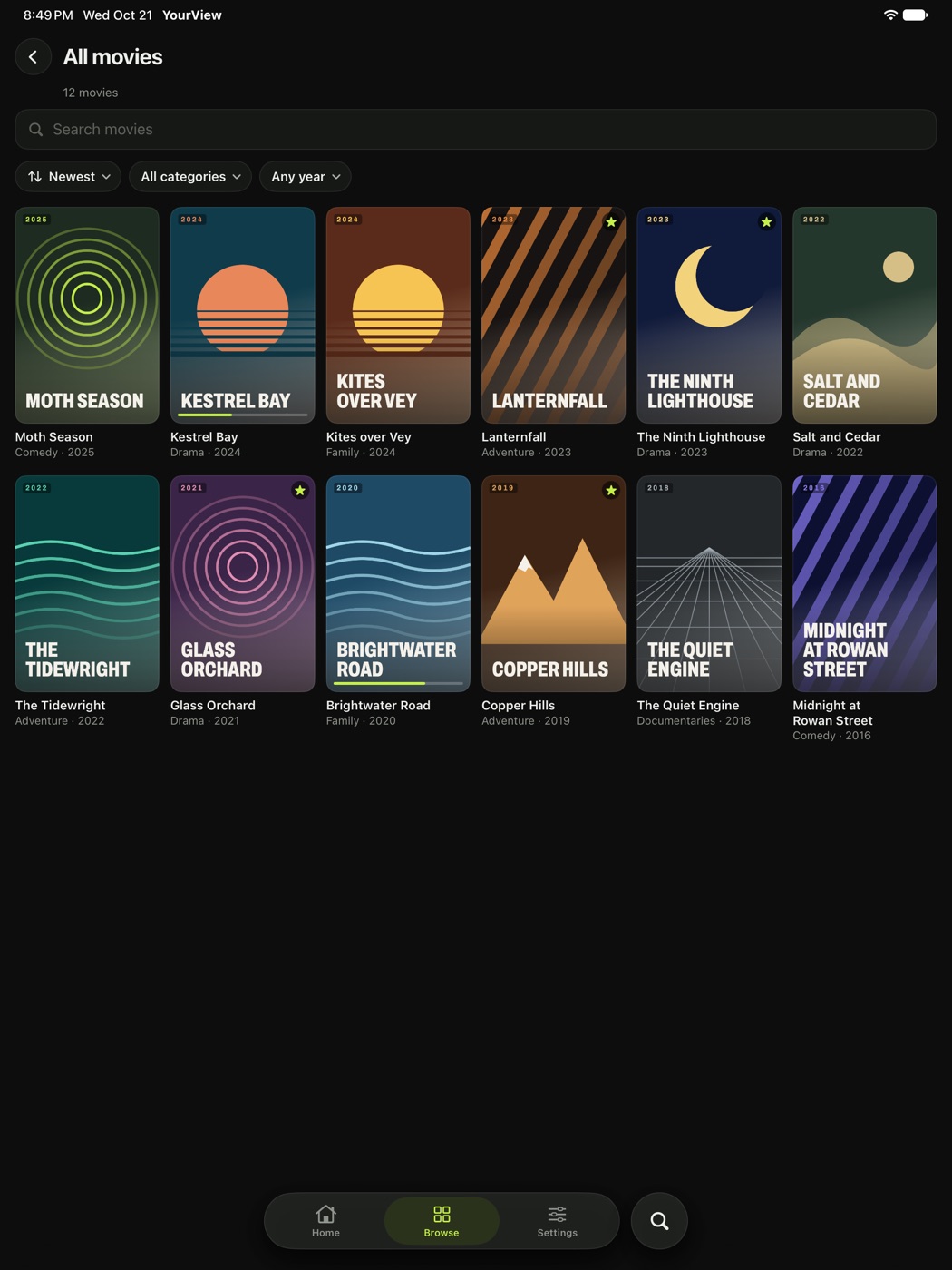
More movies in view
Apple TV
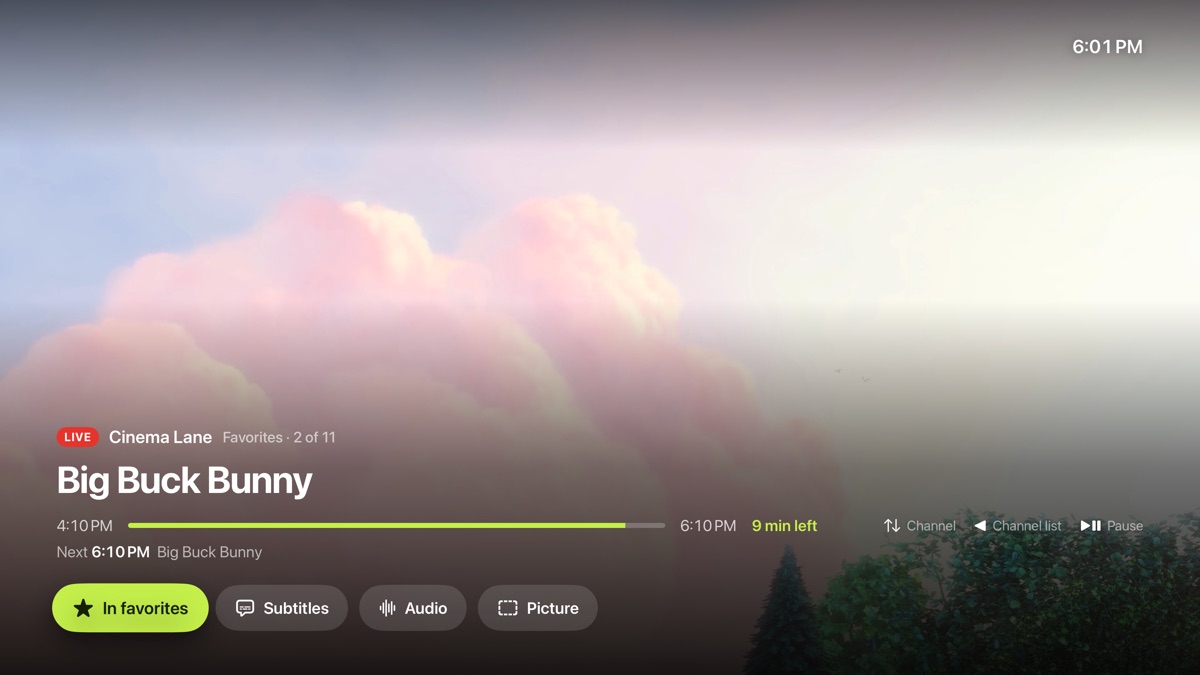
Change channel with up and down 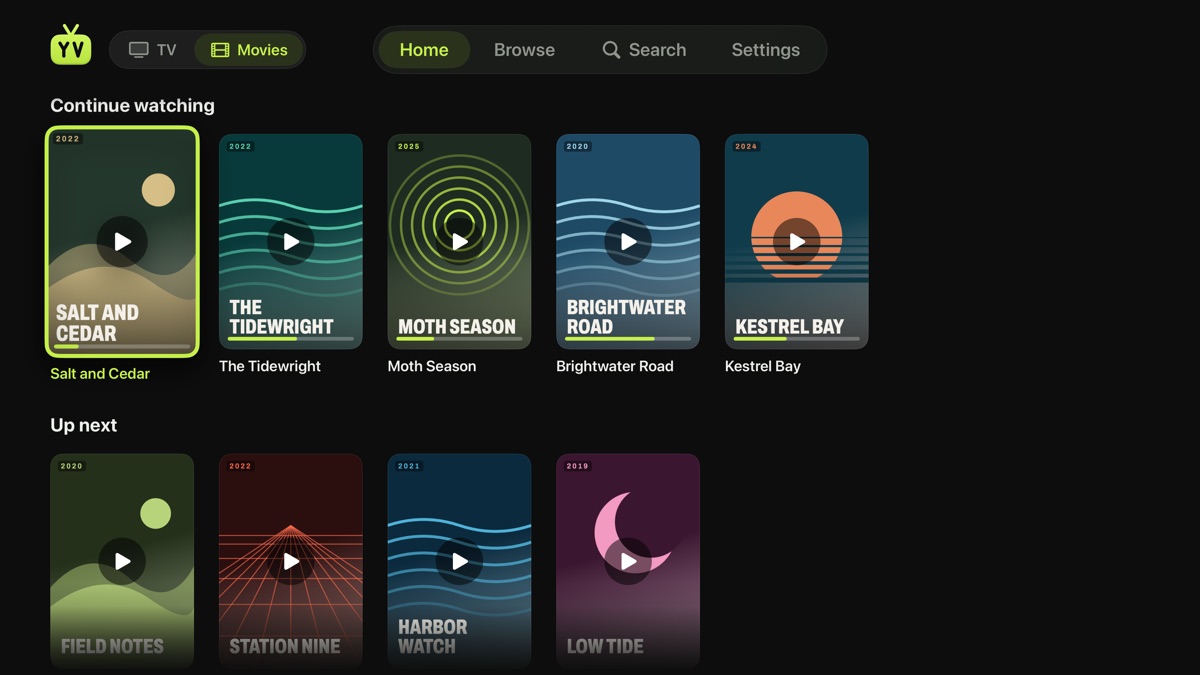
Carry on watching where you stopped
Every plan includes everything
| Yearly | $4.99 a year | Starts with a month free. Cancel at least a day before the trial ends and you pay nothing. |
|---|---|---|
| Monthly | $1.99 a month | Cancel any time. |
| Lifetime | $6.99 once | Pay once, with nothing that renews. |
Prices in US dollars; the App Store shows them in yours. Without a plan, every channel plays for a minute, so you can check that your playlist works before you pay.
We never see your playlist
YourView has no account, no ads and no tracking. Your links, logins and favorites are kept on your devices and, end-to-end encrypted, in your own iCloud. They never reach us. Read the privacy policy